M
o
r
e
t
h
a
n
a
S
w
i
n
g
B
a
s
e
d
o
n
P
r
e
c
i
s
e
D
a
t
a
&
A
I
More than 100 clients around the world have chosen Laon SwingCraft’s products.
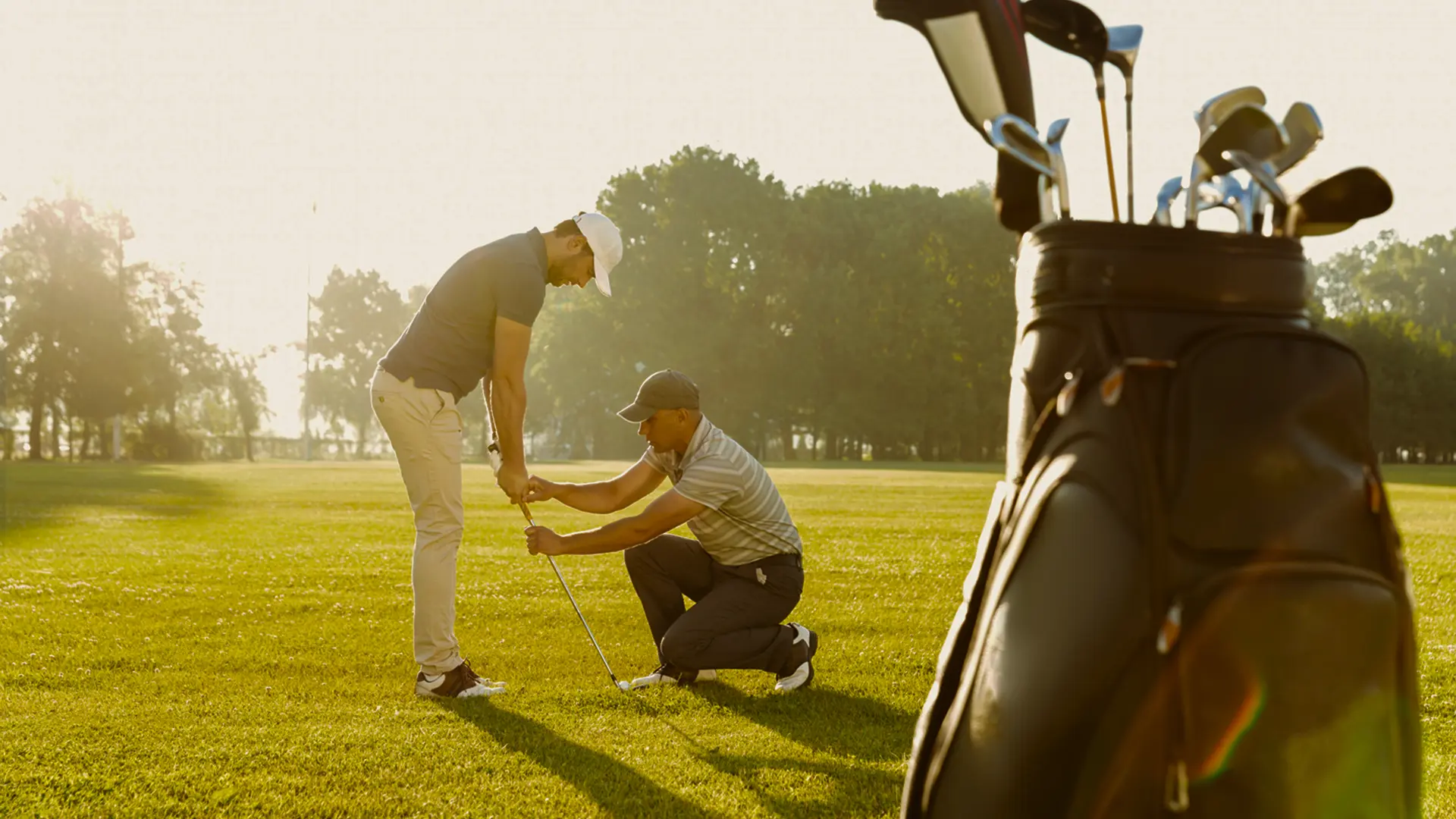
The key to improving golf performance lies in swing and shot.
Uncover and overcome weaknesses with AI technology and an immersive simulator.
Laon SwingCraft provides an all-in-one training solution that enables golfers to train independently.
+Cumulated Data
+Users
sProcessing Speed
PRODUCT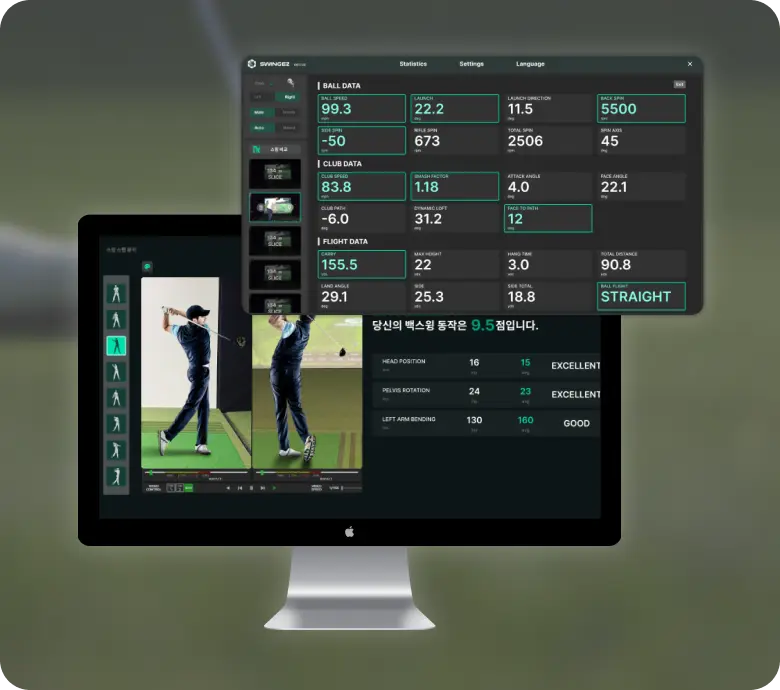 SwingEZ is an AI self-training solution that helps users identify and correct their own swing issues through AI-powered swing analysis and a realistic simulator environment that closely replicates actual playing conditions.
AI based Self-Training Solution
SwingEZLaunch Monitor + Swing analysis cameras+ simulator
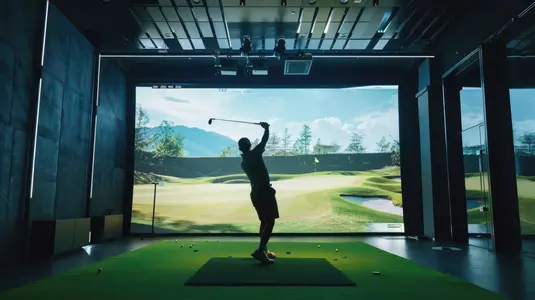
based on Unity6
Personalized training solution by AI analysis
Provides training maps for various environments
At first, I was worried about accuracy without markers —
but I was amazed by how precise it actually is.
That Realtime feedback during the lesson has made our members much more satisfied.


Easy to install and use anywhereNo stickers. No complicated equipment.
Using only a ceiling-mounted sensor and a single camera, it precisely analyzes swing data within 0.25 seconds. Designed for easy access and consistent use by golfers of all levels.
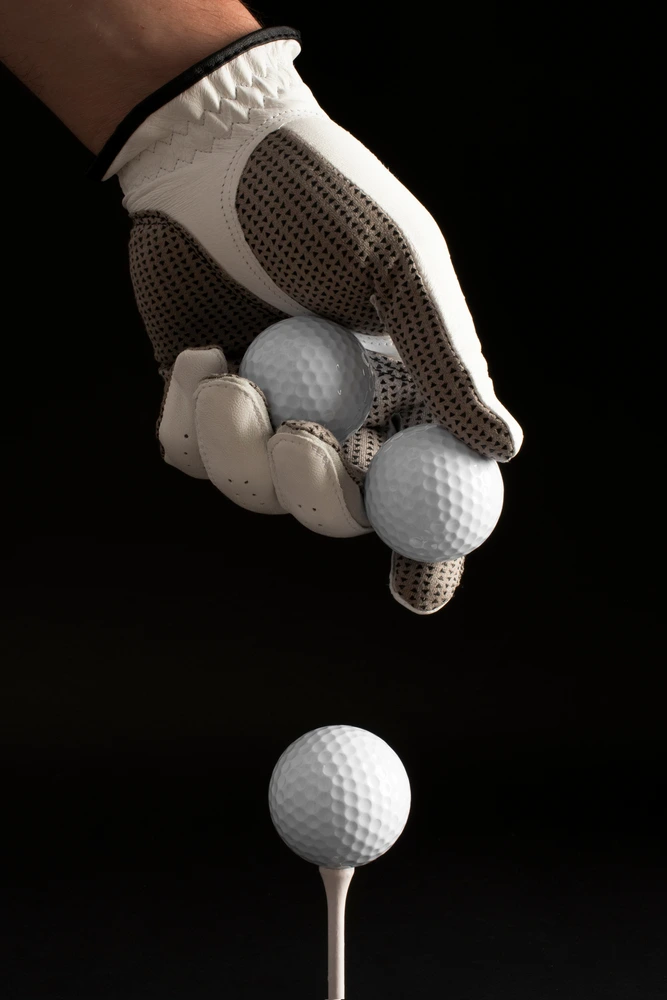
Delivering tailored user information with AIPowered by Laon SwingCraft’s advanced AI technology, it enables precise posture correction and data-driven, self-guided training — helping every golfer experience the true foundation of a proper swing.
reliable quality and Ongoing after-sales supportOur commitment continues even after installation.
The customer support team is always ready to provide
quick troubleshooting whenever needed.
Automatic software updates keep the system always up to date.
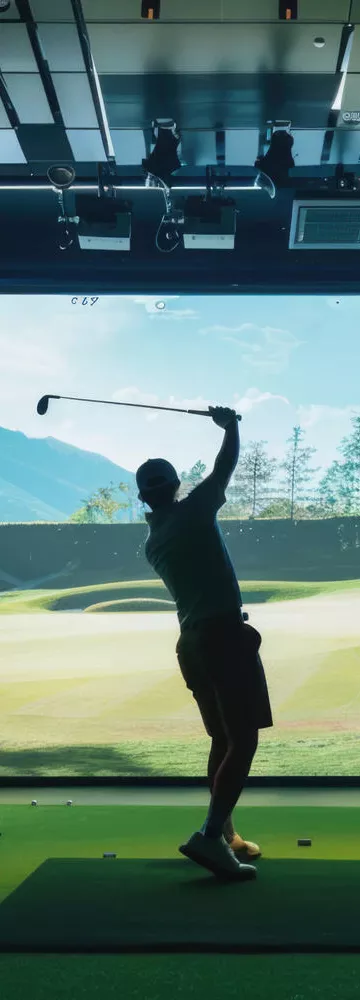
What to do if SwingEZ stops at the initial blue screen after installation?
1. Please connect an additional monitor in addition to the one you are currently using.
In other words, at least two monitors should be connected.
2. Please update your GPU driver to the latest version.
After the update is complete, be sure to reboot so that the latest driver is applied.
Please verify the above two items first.





Notice[SwingEZ Troubleshooting Guide] What to do if AI Pose doesn't work after replacing your graphics card?
9/15/2026Notice[SwingEZ Troubleshooting Guide] How to Assemble the SwingEZ Camera Lens
8/6/2026Manual[Catalog] Vtrack & SwinEZ Product Catalog
7/28/2026Notice📢 [Notice] VTrackToolKit v2.4.3 Update Release
7/27/2026